CATASSU Earphone Bluetooth Headphones Over Ear Stereo Wireless Headset Soft Leather

- Refund if package is lost
- Refund if items are damaged
Customer reviews are shown below in the description.
Specifications
| Category | |
|---|---|
| Brand | AliExpress |
| Options available | 12 |
| Delivery | Free standard shipping |
| Returns | 30-day money-back guarantee |
Description
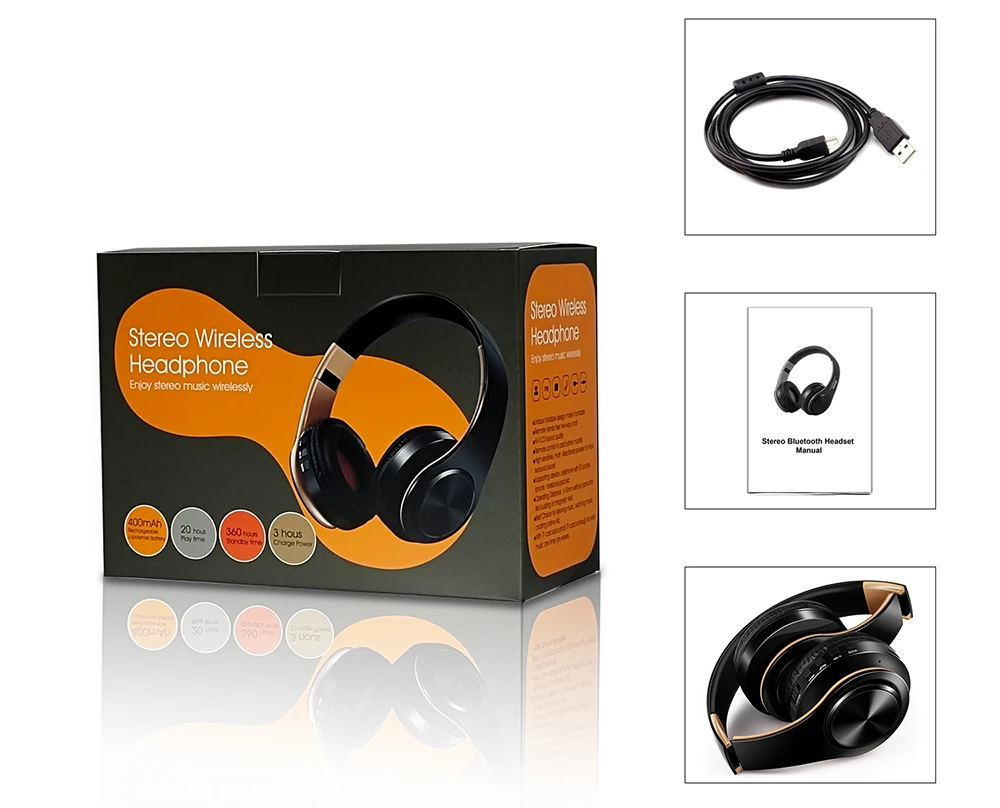
LPT660 Bluetooth Headphones Over Ear Stereo Wireless Headset Soft Leather Earmuffs w/Built-in Mic for PC/Cell Phones/TV
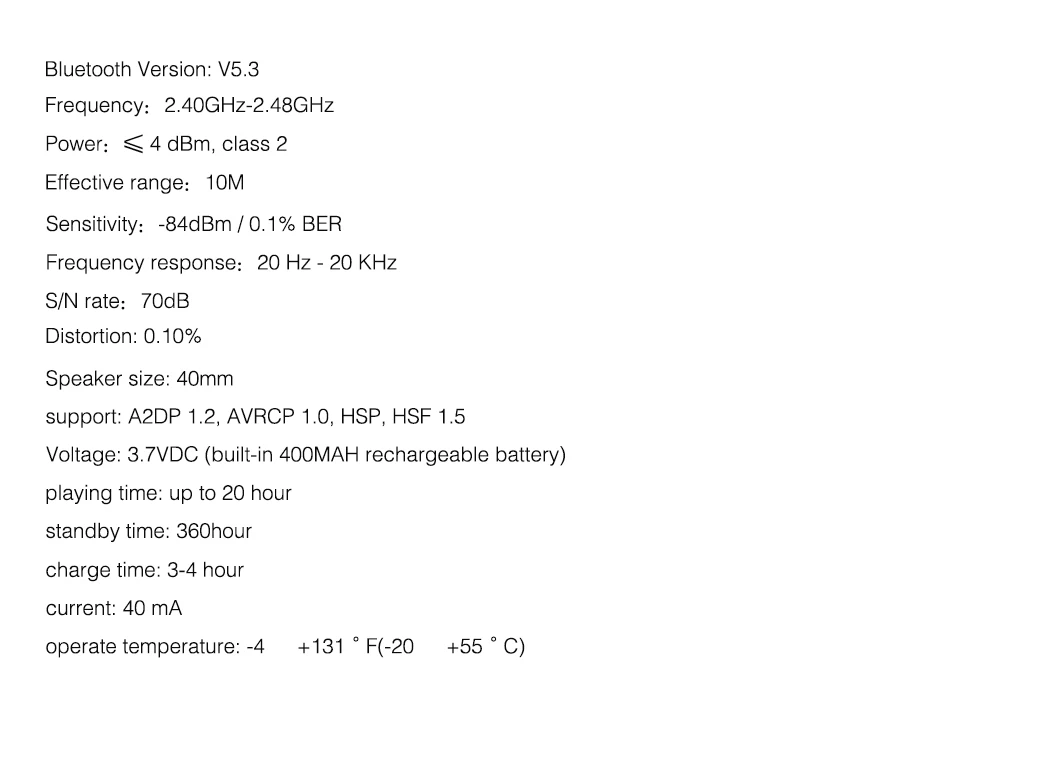
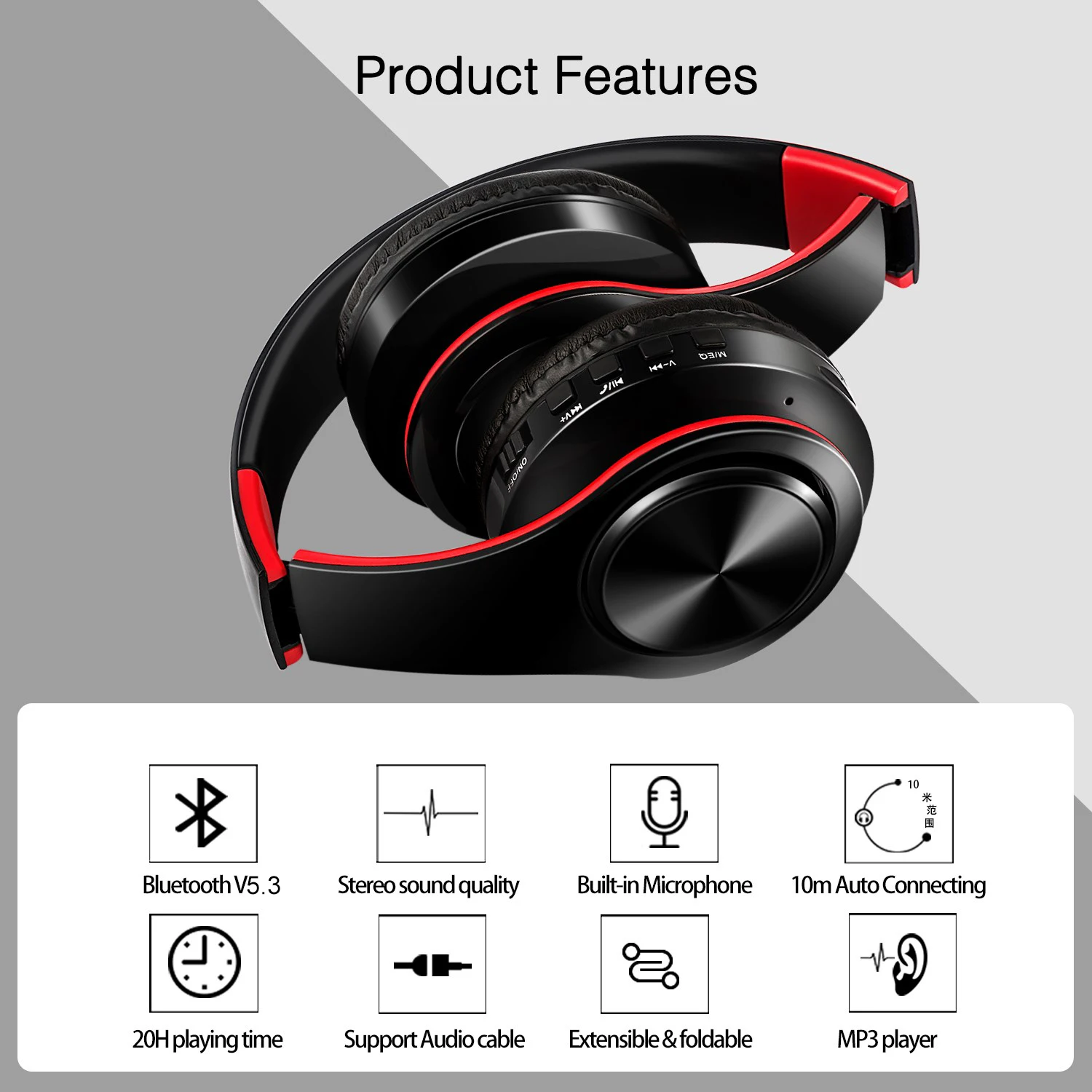
1)【HI-FI,CD SOUND QUALITY】- The closed-back design of bluetooth headphones provides immersive Hi-Fi sound with BLUETOOTH V5.3 chip and 40mm drivertogether , which make exceptional sound reproduction and wide dynamic range to provide outstanding sound quality, rich and strong bass, crisp and clear highs.
4)【Smart Handsfree Talking】- Built-in Concealed High Definition Sensitive Microphone, The Headphone Itself Has A Answer Incoming Phone Calls' Button To Pick Up Phone Call, Wireless Handsfree Talking.
5)【Long play time】- Playing time up to 20 hours, and continue talk time up to 15 hours, standby time up to 360 hours.
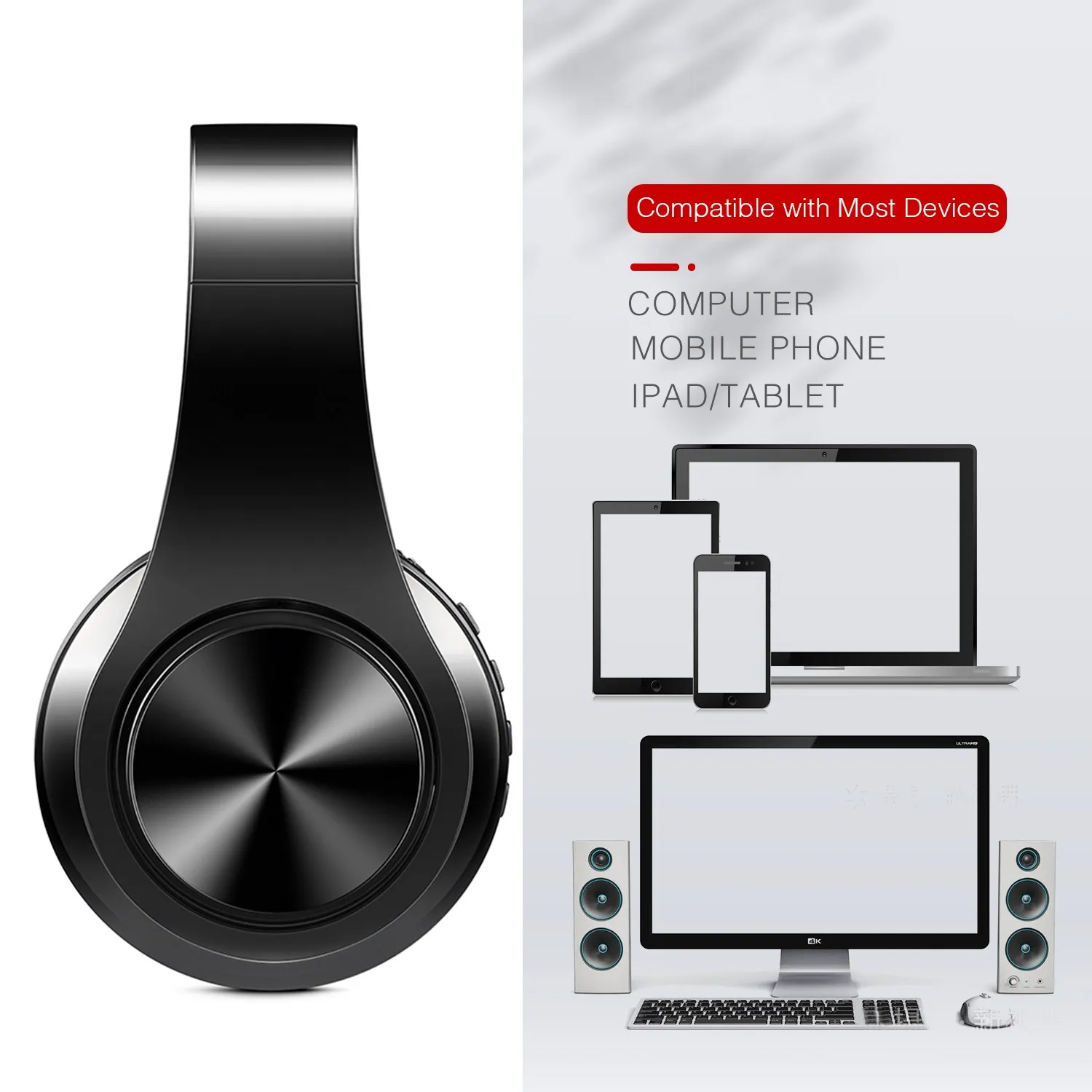
6)【Widely use range】- Compatible for almost all the mobile phone, tablet PC, notebook, almost any devices with bluetooth function.




1.How to charge this headset?
Connect your computer and headphone via the AUX cable.
2.How to start the headset and listen the music on the computer?
Please be sure your computer have bluetooth function and turn on the bluetooth, then press headphone's ON/OFF key and you will see the blue light blinking and get ready to pair, search and pair until connected. Use your computer to start music and enjoy it with the headset.
3. How to operate the bluetooth headphone with mobile phone?
a.Turn on bluetooth on mobile phone,press headphone's ON/OFF key and you will see the blue light blinking and get ready to pair, search and pair until connected.
b. If someone call you, you just need press the Hang up/Pause button, and you can chat with your friend on the phone. Finished your talking, you just need press the Hang up/Pause button, and you can continue your music.
4.How to use the MP3 function?
Just press the MEQ button on the headset it will change to MP3 situation, and then insert the TF card into the slot, music will play directly.(we don't provide TF card)
Customer Reviews
4.6 average · 148 verified supplier reviews
9 reviews from English-speaking buyer countries. Ratings include all buyers.
★★★★★ P***y
US · 21 Jan 2026
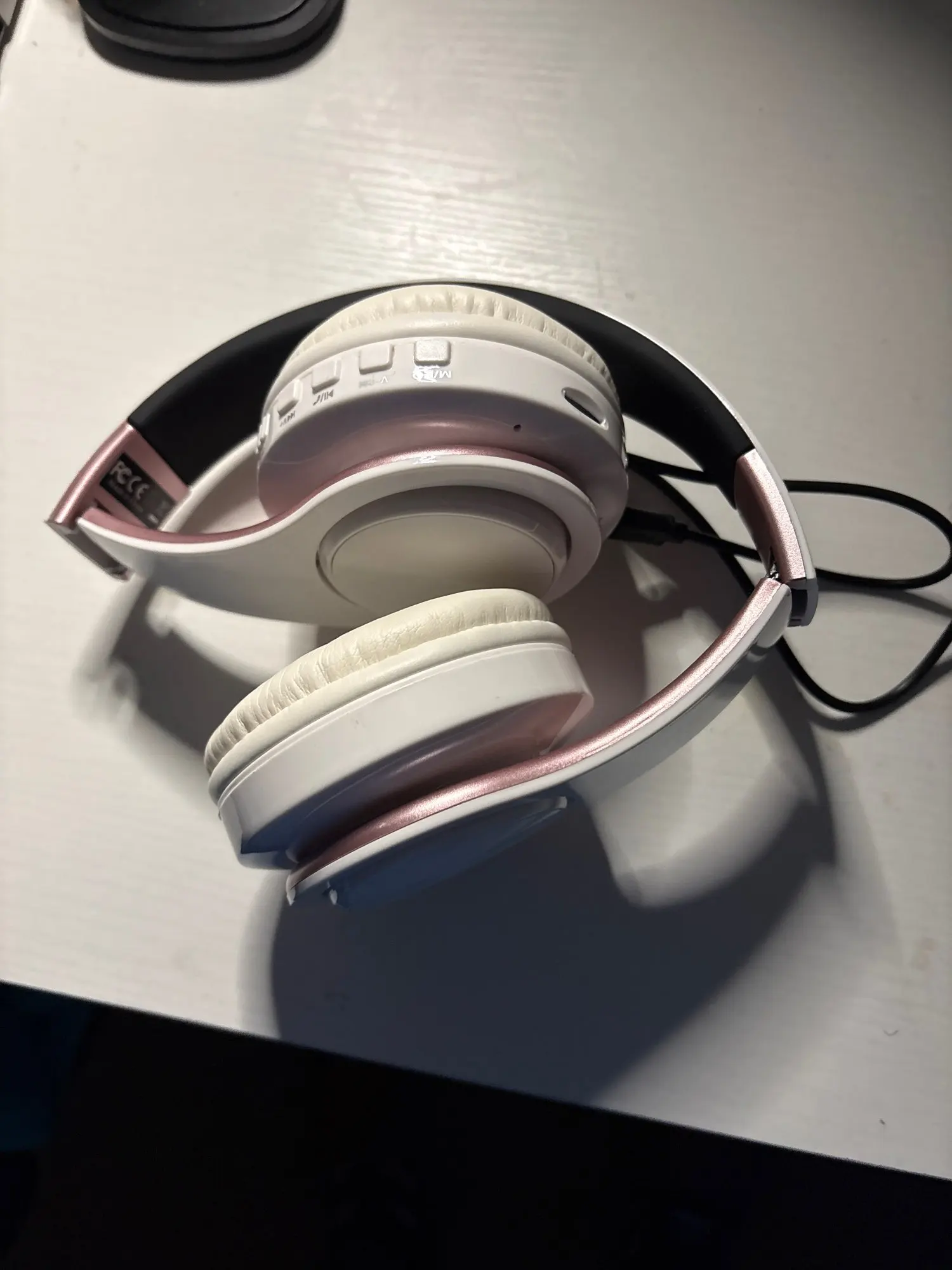
My great granddaughter said she really love these she said they sound great
★★★★ P***s
US · 02 Apr 2026
funziona bene sia dm che bt
★★★★★ AliExpress Shopper
GB · 05 Jan 2026
Bought 3 of these for the kids at Christmas. They connected to their tablets with ease and my daughter’s phone.
★★★★★ AliExpress Shopper
GB · 05 Jan 2026
Bought 3 of these for the kids at Christmas. They connected to their tablets with ease and my daughter’s phone
★★★★★ AliExpress Shopper
GB · 05 Jan 2026
Bought 3 of these for the kids at Christmas. They connected to their tablets with ease and my daughter’s phone
★★★★★ AliExpress Shopper
GB · 27 Apr 2026
they work brilliant and the sound is great really clear
★★★★★ P***a
GB · 11 May 2026
Good quality thanks
★★★★★ e***u
AU · 12 Nov 2025
good
★★★ V***n
CA · 28 Mar 2026
I don’t mind the headphones. The headphones are OK. It’s just what I hate about it is that every time when I turn it on it pops up with the Bluetooth device is ready to pair and it’s a bit too noisy especially if I’m trying to turn it on in my classroom. It’s a bit loud for a classroom environment o